
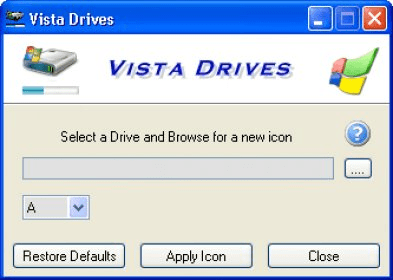
While Vista is now taking its place to replace XP and other popular windows operating system, there are still a huge number not so fascinated to use this new operating system and move out of their comfort zone. However, many interesting features of Vista includes high end User Interface along with information needed, one such option was made available to Win XP/98 by Camtech team for low price. Vista Drives is low memory using software to customize the icon visible for your computer drives. Be it CD drive, DVD drive or your local hard drive, if you need to view the memory usage of your drives, Vista Drives has a simple looking progress bar to guide you about the same. Vista Drives has an easy restore facility to change your computer original settings in no time. Though the price marked for this tool is bit high if you are looking for a seat license, the feature to highlight the usage of any drive more than 80% helps a lot. The size progress bar moves to Red if your drive memory is beyond 80% of the total drive memory. While you have options to select any drive from your My Computer, user also can select if they want to see the updated progress bar via selecting a simple checkbox. Vista Drive comes with many nice looking drive icons so u can choose according to your taste.





Comments